FileTech
How Do You Know a Household Backup Would Actually Restore on the Day It Matters?
Most household backup systems have never been restored from, and the failures they hide are usually silent, old, and findable in one deliberate afternoon.
- ByDesmond Falk
- Cut11/1/25
- Length1,367 words
- Read6 min
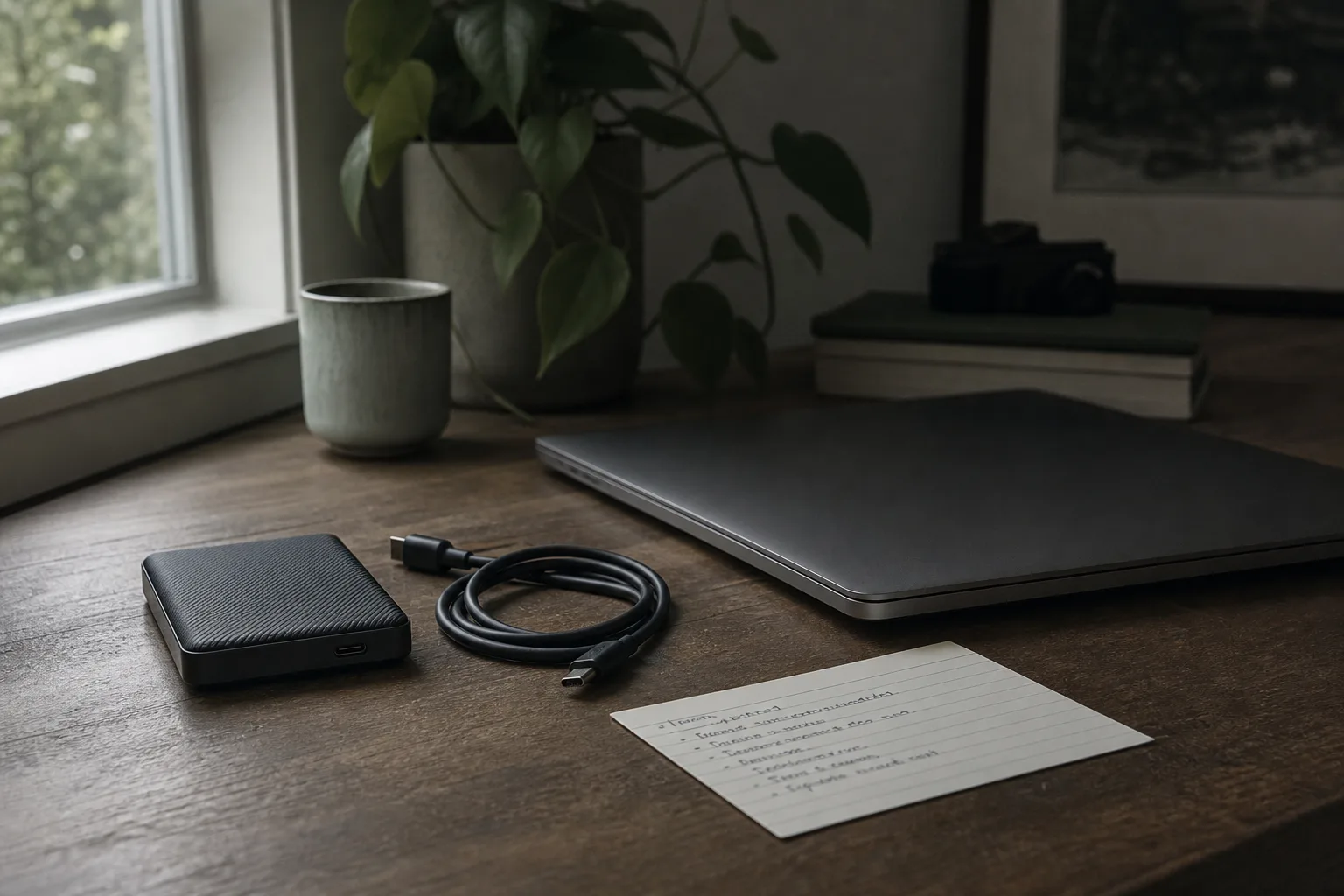
Ask anyone who does data recovery for a living what separates the households that come through a dead computer intact from the ones that do not. The answer is never the brand of drive. It is whether anybody has ever restored from the backup. A backup that exists is a configuration. A backup that has been restored from is a demonstrated fact, and the two feel identical right up to the morning they turn out not to be. Closing that gap requires no expertise, only a scheduled afternoon twice a year and a willingness to find out that something is broken while finding out is still free.
The Four Ways a Backup Is Already Broken
Four failure patterns account for most of what a first drill uncovers, and not one of them announces itself. The first is scope: a cloud sync folder holds documents and photographs and nothing else, so the tax archive on the desktop, the password vault export and the years of accumulated email are simply not in it. The second is staleness. The external drive was faithfully connected every week for eight months and then, after a desk was rearranged, never again. Nothing warned anyone, because a backup that stops running usually stops quietly rather than with an alarm.
The third is single-copy risk. One external drive sitting next to the computer is one copy, and the events that take a computer, meaning fire, theft, or a burst pipe on the floor above, tend to take everything on that desk together. The fourth is the pattern that catches technically careful people, because it looks like success from every angle: the backup runs on schedule, it is offsite, it is current, and it holds an encrypted archive whose key exists in exactly one place, which is the machine that has just been lost. Each of these is invisible until somebody tries to get a file back.
Three Copies, Two Media, One Elsewhere, and Where Households Break It
The convention practitioners use is three copies of anything that matters, held on two different kinds of media, with one copy somewhere else. It is a rule of thumb rather than a standard, but it has lasted because it survives contact with real failures. Households usually satisfy the count and fail the independence, which is the part that actually does the work. Two copies on the same desk are one copy against a plumbing failure, and a cloud service that syncs rather than versions is not a second copy of a file that has been corrupted, because the corruption syncs across with everything else.
The question to put to any given copy is therefore not whether it exists but what single event would take it and the original together. Answer that honestly for each copy and the weak link usually identifies itself in about a minute, most often as a second drive living within arm reach of the first. Independence can be bought cheaply: a drive kept at a relative house, a second cloud account, a copy in a desk drawer at work. What cannot be bought cheaply is discovering the dependency afterward, when the answer to the question has already arrived in physical form.
The Drill Itself, Run From a Borrowed Machine
Set aside two hours and work from the position that the main computer is gone entirely and there is a borrowed machine on the table. Begin by writing down what you would need first, before looking at the backup at all: the last two years of financial records, the photograph library, the password vault, any work in progress, the scans of identity documents. Five or six items is the right length. That list is the test criteria, and writing it before opening anything is what keeps the drill from quietly grading itself against whatever happens to be there.
Then find the recovery credentials without using the lost machine, meaning the cloud account password, the drive encryption key, and the two factor recovery codes. If any of them lives only on the machine you are pretending to have lost, the drill has already found the most important problem and can stop there. Otherwise, restore one item from each of the five or six, open each restored file to confirm it is the file rather than a placeholder or a zero byte stub, and deliberately restore something from three or four years ago, since long retention is where systems quietly drop things and recent files always work.
What Never Made It Into Scope
The list written at the start of the drill is where most of the value sits, because scope failures are silent and permanent in a way that mechanical failures are not. Six categories go missing from otherwise sensible household backups with real regularity. Years of email, receipts and account confirmations live in a webmail account that is backed up nowhere, and a closed or compromised account takes all of it. Authenticator seeds and printed recovery codes disappear with the phone, locking a person out of the accounts they would have used to recover everything else.
The other four are purchased software and the license keys and receipts that prove ownership, scans of identity and property documents including passports, titles, deeds and the policy declarations page, anything on a phone that never syncs such as voice memos and photographs taken inside a messaging app, and small business records kept on a personal machine, meaning accounting files, invoices and the payroll history a tax authority may ask about years later. Written down once, that list becomes standing test criteria, and the drill then verifies scope and function together rather than only function.
Versioning and Immutability, the Two Tests Everyone Skips
Versioning is the first. A single current copy protects against loss but not against damage, so a file that is corrupted, encrypted by malicious software, or overwritten with a bad edit will propagate to any system that mirrors rather than versions. Check how far back the history goes and whether the retention window is long enough to notice a problem, since thirty days is typical and damage is frequently discovered later than that. The National Institute of Standards and Technology says much the same thing at far greater length in its contingency planning material, and households arrive at it independently every time they lose a file to a bad save.
Immutability is the second, and it matters most on a home network. A backup drive that is permanently mounted and writable by the computer can be written to by anything running on that computer, including software whose purpose is to encrypt everything it can reach. A copy that is physically disconnected between runs, or a cloud service that retains deleted files and prior versions beyond the reach of the client software, is a meaningfully different level of protection rather than a slightly better version of the same one. Timing the sample restore belongs here too, since a large photograph library can take days to pull down.
The Four Lines Written Down Afterward
When the drill finishes, write four lines and keep them with the household papers: the date, what was restored, how long it took, and what broke. Add where the recovery credentials live, described plainly enough that another adult in the house could follow it without help. That page is what turns the second drill into a forty minute exercise rather than a two hour one. It is also the document that matters most if the person who set all this up is not the person who ends up needing it. Backups tend to be built by one member of a household and needed by another.
Two afternoons a year is the whole cost, and what it buys is the conversion of an assumption into a fact. The households that come through a dead computer well are almost never the ones with the most expensive equipment. They are the ones who had already practiced at leisure, on an ordinary Saturday, with nothing at stake and a borrowed laptop on the table, and who therefore knew before it mattered exactly which files would come back, how long they would take, and where the key was kept.